
Access Symbio® 700 video resources to learn practical, technician‑focused guidance on startup, troubleshooting, and servicing.
Training
Explore Symbio 700 training options, including on-demand webinars and in-person, hands-on sessions to support learning across equipment types.
-
Basic Startup, Configuration & Troubleshooting for Precedent® Rooftop Units & Odyssey™ Split Systems with Symbio 700 controls.
-
Watch the Symbio® 700 Controller Service & Installation App Quick Help Videos on YouTube to stay updated on best practices.
-
Symbio® Equipment Controller Video Series
Watch this Symbio® Equipment Controller series to gain both a high-level overview and practical technician perspectives on startup, troubleshooting, and servicing.
Review this collection of integration guides, technical support materials, and top troubleshooting resources.
Customers and Contractors can now access Symbio 700 licensing online. Follow the link below for more information.
Additional resources to help you get the job done.
Trane Controls Software & Firmware Downloads
Related Products
-
Symbio® 700 Equipment Controller
Discover the Symbio 700 controller, featuring innovative, scalable building automation through advanced HVAC equipment control of your rooftop units and split systems. -
Trane® Symbio® Equipment Controllers maximize energy efficiency and flexibility, offering seamless integration, remote connectivity, and enhanced serviceability for various HVAC systems.
-
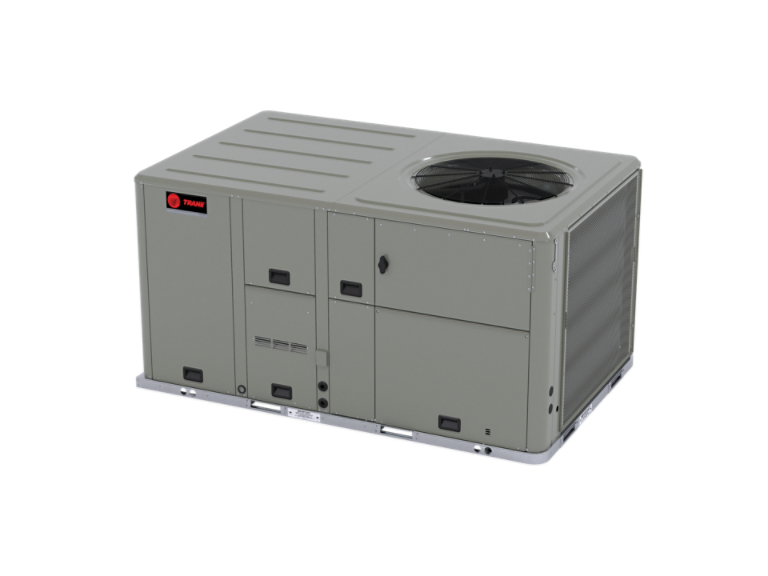
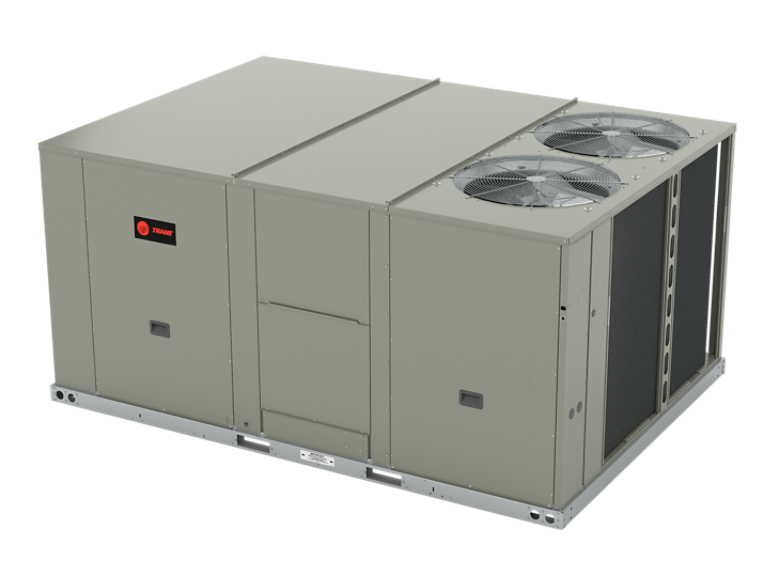
Models 3-25 Tons
Trane’s Precedent Rooftop Units (3-25 tons) offer industry-leading reliability and performance in a packaged solution, including all-electric and hybrid units, that’s simple to install and service. -
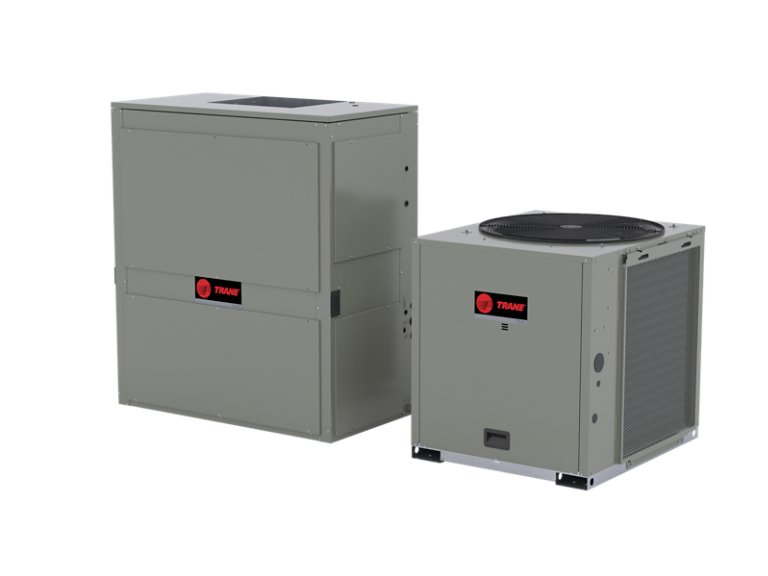
Models 6-25 Tons
Trane Odyssey Split Systems offer a comprehensive line of split system components from 6-25 tons that meet various load and installation requirements. -
Models 3-25 Tons
Trane Foundation light commercial packaged rooftop units are rich with features and designed to be easy replacements for Trane and other rooftop HVAC units. -
Axiom™ Rooftop Water Source Heat Pumps
Models 3-25 Tons
Axiom Rooftop Water Source Heat Pumps, available from 3-25 tons, combine the efficiency of water-source heat pumps with the convenience and reliability of Trane rooftop units. -
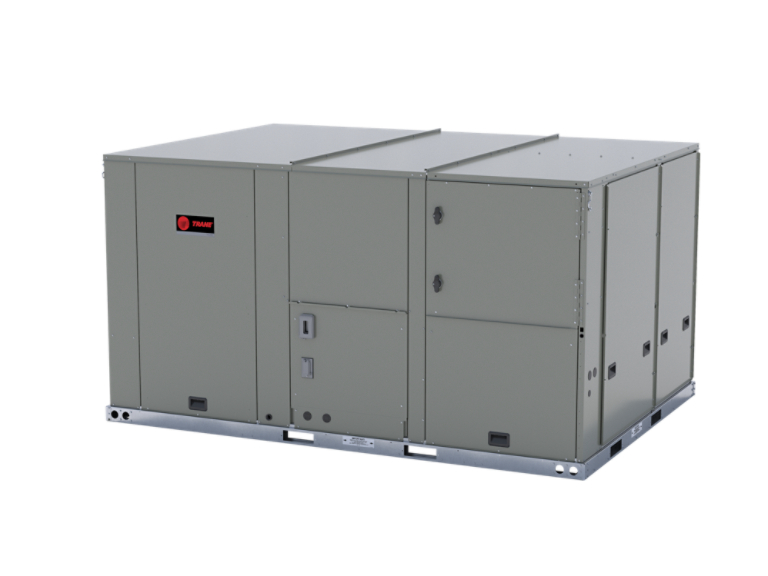
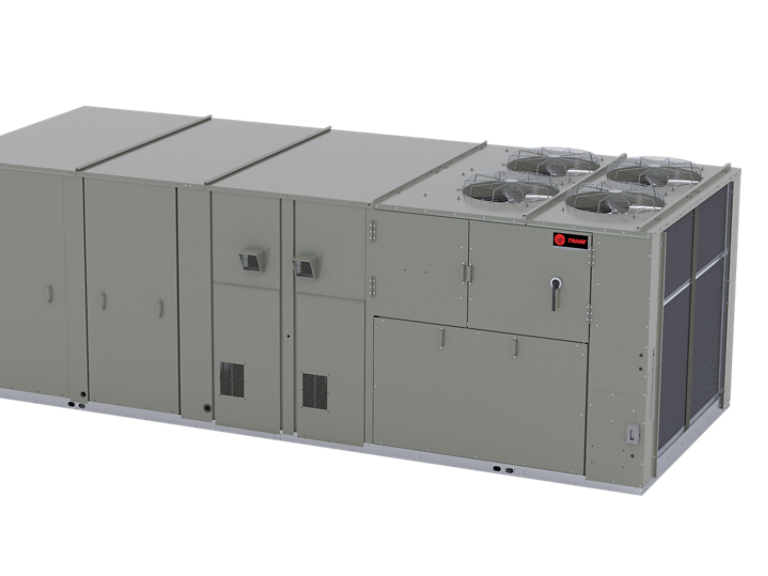
Models 27.5 - 50 Tons
Trane® Voyager® 3 Rooftop Units deliver high-efficiency performance, advanced control and flexible configurations for commercial applications.
Trane Commercial Help Center
We’re always here for you. Follow the link for technical support on Trane equipment.
FAQs
Your questions about Symbio training & troubleshooting, answered.
To disable Bluetooth on the Symbio 700 controller using the Onboard Display, navigate to “Utilities” then “Communication” and then select “Disable Bluetooth.”
To reset alarms on the Symbio 700 using the Symbio Service and Installation App, navigate to “Alarms”, tap on the 3 dots in the top right corner and select “Reset Diagnostics”.
To reset alarms on the Symbio 700 using the Onboard Display, navigate to “Service” then “Diagnostics” and select “ Reset Diagnostics”.
To change from a zone sensor to thermostat control, change the space controller, which is a configuration item.
To change a configuration item using the Symbio Service and Installation App, navigate to “Settings” then “ View Configuration”, Select “Edit” and change the configuration parameter Space Controller to Conventional TStat.
To change a configuration item using the Onboard Display, navigate to “Utilities” then Unit Config”, Select “Edit Unit Config.” Scroll down to “Space Controller” and change configuration parameter to “Conventional TStat.”
To replace a unit controller module, order a replacement part at the Trane Part Store and follow the installation instructions.
To enter the Service Test Mode with the Symbio Service and Installation App, navigate to “Tools”, then “Service Test Mode” and select desired “test mode” by tapping on the play button.
To enter the Service Test Mode with using the Onboard Display, navigate to “Service” then “Test” then “Service Test Request”. Finish by selecting the desired Test Step.